
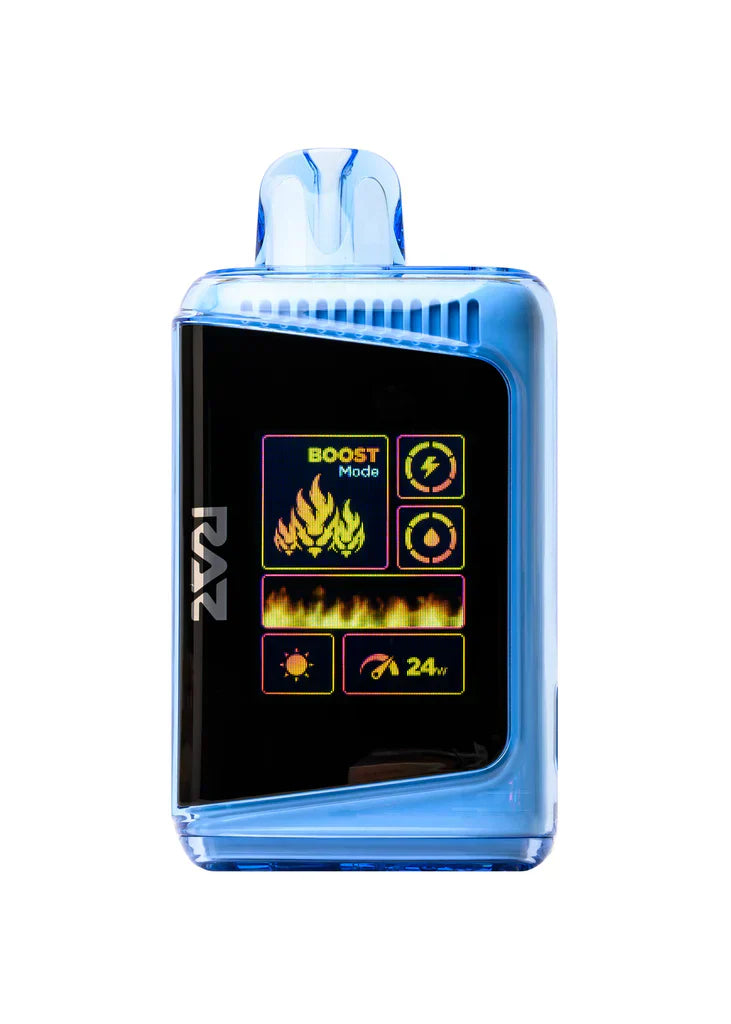
Why Blowing Into the Raz DC25000 Can Cause Problems?
Blowing into the Raz DC25000 may seem like a quick fix when the device feels unresponsive or appears to have reduced output, but this habit can create more problems than it solves. Air pressure from blowing can push moisture, dust, and tiny particles further into sensitive areas, which may interfere with normal operation. Instead of improving performance, the action can introduce conditions that make the device less reliable over time.
Moisture and Internal Damage
One of the main concerns with blowing into the device is moisture. Even a small amount of breath contains condensation, and that moisture can settle inside the device where it should not be. Over time, repeated exposure may contribute to buildup, corrosion, or inconsistent behavior. A device that has moisture introduced into its internal pathways may not perform as expected, and the effects can become more noticeable with continued use. Moisture can also make cleaning more difficult. Once it enters the device, it may combine with residue or dust and create a layer that affects airflow or other internal components. What starts as a simple attempt to fix a minor issue can turn into a larger maintenance problem if the habit continues. This is one reason users sometimes wonder why it tastes different after charging, because several habits, including how the device is handled, can influence the overall experience.
Dust and Debris Can Shift
Blowing into the device can also move dust and debris deeper into areas that are harder to reach. Instead of removing the obstruction, the air may simply relocate it. That can make the original issue harder to solve and increase the chance of long-term problems. Small particles may settle in places where they affect performance more noticeably than they would on the surface. This kind of movement is especially problematic because the user may think the device has been cleared when it has actually been affected in a different way. Over time, repeated blowing can contribute to a cycle of temporary improvement followed by more consistent issues. A careful cleaning approach is generally more effective than forcing air through the device.
Unnecessary Stress on Components
Another reason to avoid blowing into the Raz DC25000 is the stress it can place on delicate internal parts. Devices like this are designed with specific airflow patterns and internal structures, and sudden pressure can disturb those conditions. Even if the effect is not immediate, repeated forceful blowing may contribute to wear that shortens the device’s dependable lifespan. In some cases, users may believe they are helping the device recover from a blockage or reduced output, but the opposite may happen. Gentle handling and proper maintenance are far safer than using pressure as a workaround. A device performs best when it is treated consistently and carefully rather than being exposed to unnecessary force.
Better Ways to Respond
Instead of blowing into the device, it is better to inspect it carefully, clean it properly, and follow the recommended handling practices. If something seems off, the first step should be to look for visible buildup, storage issues, or environmental factors that may be affecting performance. A controlled and thoughtful approach is much more likely to produce a good result than a quick attempt that could make the problem worse. Good habits also help preserve the device’s condition over time. Keeping it clean, dry, and properly stored reduces the likelihood of situations that tempt users to blow into it in the first place. Prevention is often more effective than correction when it comes to device care.
Conclusion
Blowing into the Raz DC25000 can cause problems because it may introduce moisture, push debris deeper inside, and place unnecessary stress on sensitive components. What seems like a harmless quick fix can lead to more persistent issues and reduce the quality of the experience. A careful maintenance routine is the better choice for keeping the device reliable and functioning as intended.